Embark on a journey into AI-powered website creation with our blog series. Explore how innovative technologies and intelligent algorithms are reshaping web design and development. Whether you’re a seasoned developer or a business owner, discover the transformative potential of AI in crafting powerful online experiences.
Home » Support » Hostinger AI Builder » Hostinger AI Builder: How to create a website using ChatGPT in agentic mode
Connect your Hostinger account to ChatGPT to generate websites using Hostinger AI Builder.
Connect your Hostinger account to the ChatGPT app to generate a new website using Hostinger AI Builder agentic mode with AI prompts, providing a fast start for your web project before finalizing it in Hostinger AI Builder.
You’ll need:
An active ChatGPT account.
An existing Hostinger hosting plan.
Follow these steps to enable the integration and generate your first website:
Log in to your ChatGPT account.
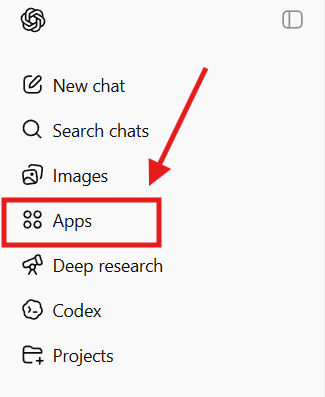
Navigate to the Apps section in the left sidebar.
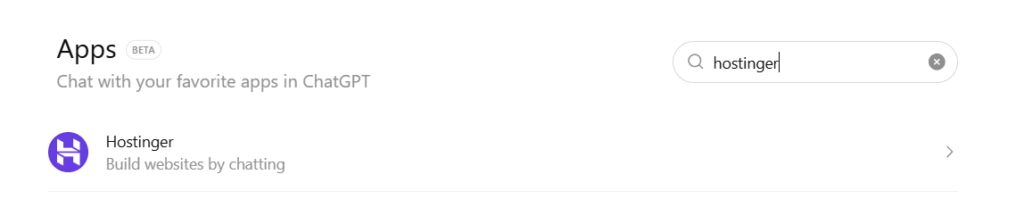
Search for Hostinger and select the official app.
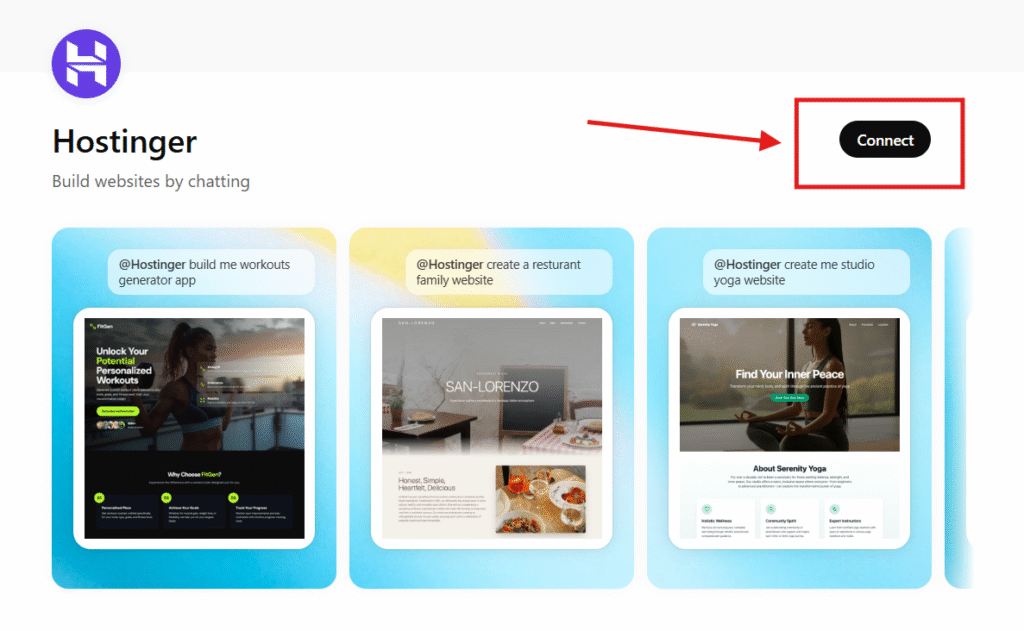
Click Connect to be redirected to the Hostinger login page.
Authorize the connection to your Hostinger account.
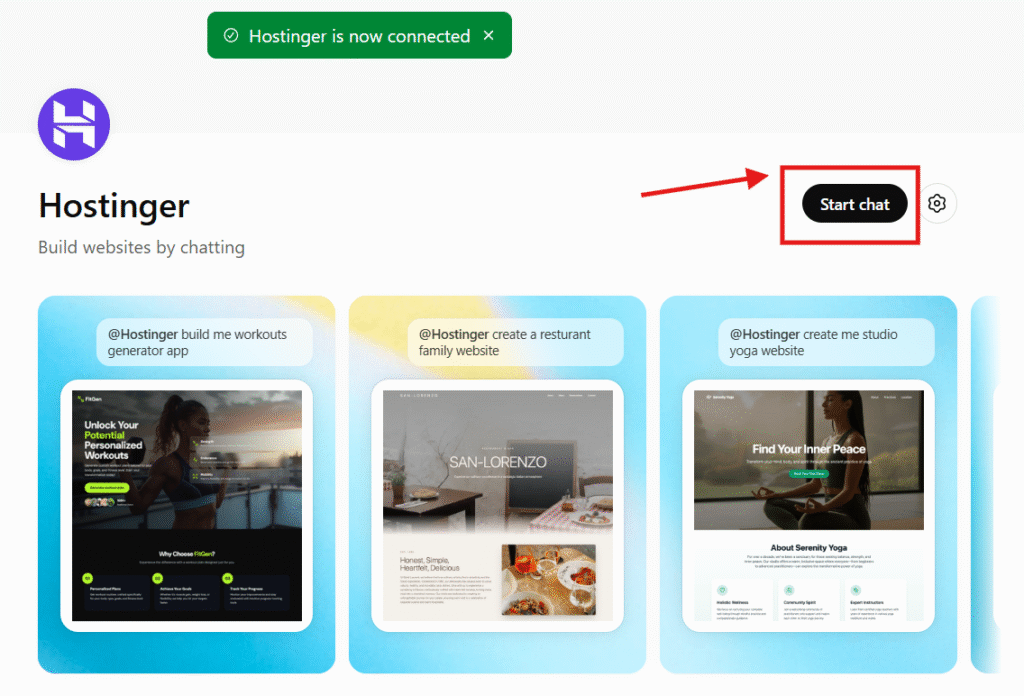
Once redirected back to ChatGPT, enter a prompt describing the website you wish to create.
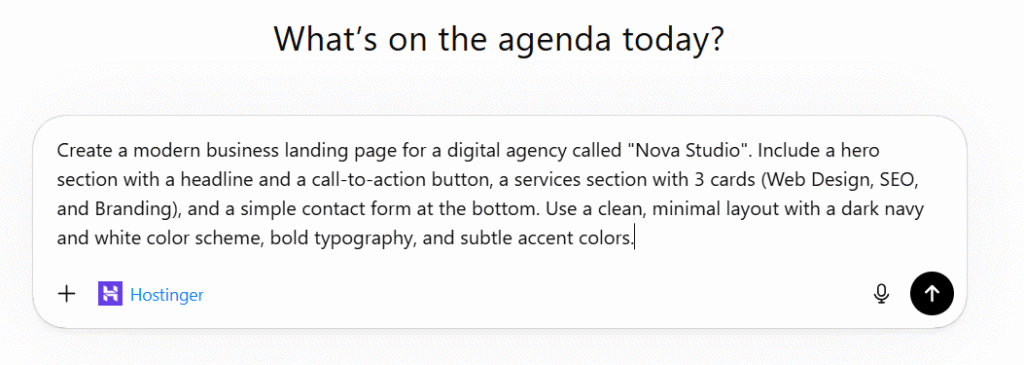
Wait for Hostinger to process the content; the app will provide a link to review your new website.

See how to build a fully functional website by connecting ChatGPT to Hostinger AI Builder:
After completing these steps, you will have a website draft generated by Hostinger AI Builder. You can then access the provided link to refine your site’s design and settings within the Hostinger interface.
Prices are listed without VAT
