Welcome to the forefront of conversational AI as we explore the fascinating world of AI chatbots in our dedicated blog series. Discover the latest advancements, applications, and strategies that propel the evolution of chatbot technology. From enhancing customer interactions to streamlining business processes, these articles delve into the innovative ways artificial intelligence is shaping the landscape of automated conversational agents. Whether you’re a business owner, developer, or simply intrigued by the future of interactive technology, join us on this journey to unravel the transformative power and endless possibilities of AI chatbots.
OpenAI has officially launched the File Library in ChatGPT — a long-awaited centralized storage system that turns the chatbot into a true personal workspace.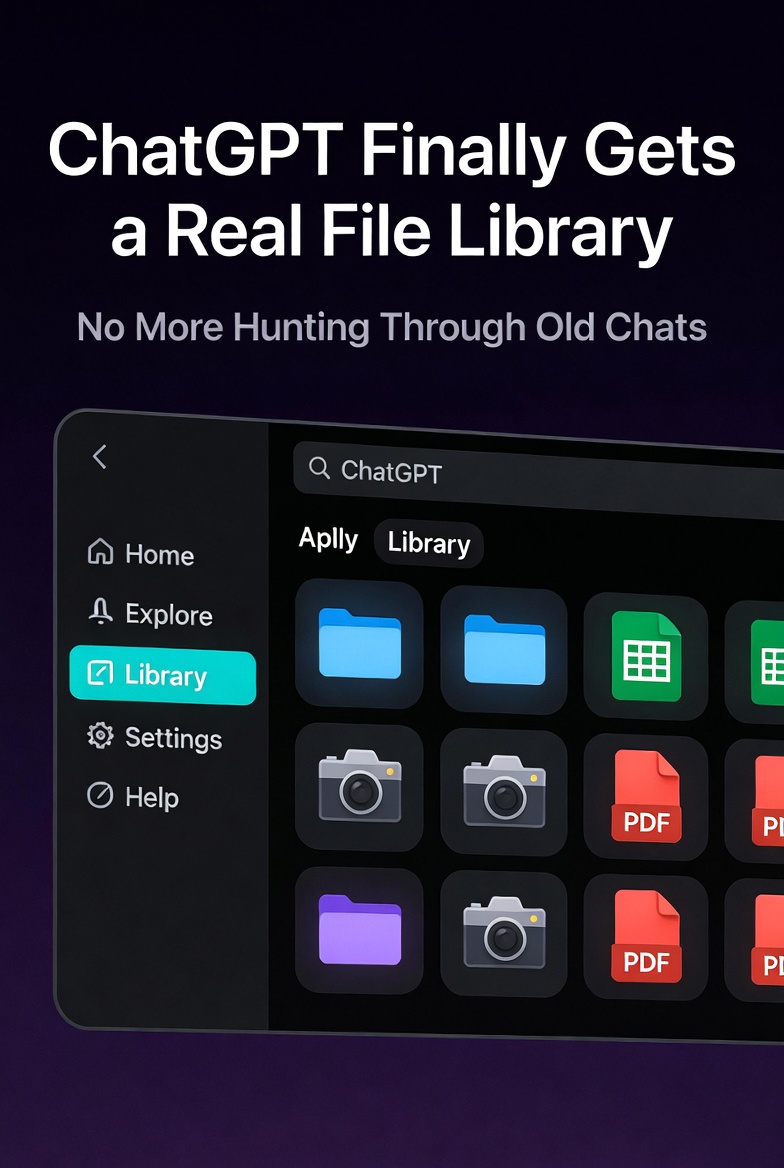 All your uploaded files — documents, spreadsheets, presentations, PDFs, and images — are now automatically saved in a dedicated Library, accessible from the left sidebar. No more digging through old chats to find that budget spreadsheet or research PDF you uploaded weeks ago.
OpenAI is gradually expanding access, with more Plus and Pro users being added over the coming days.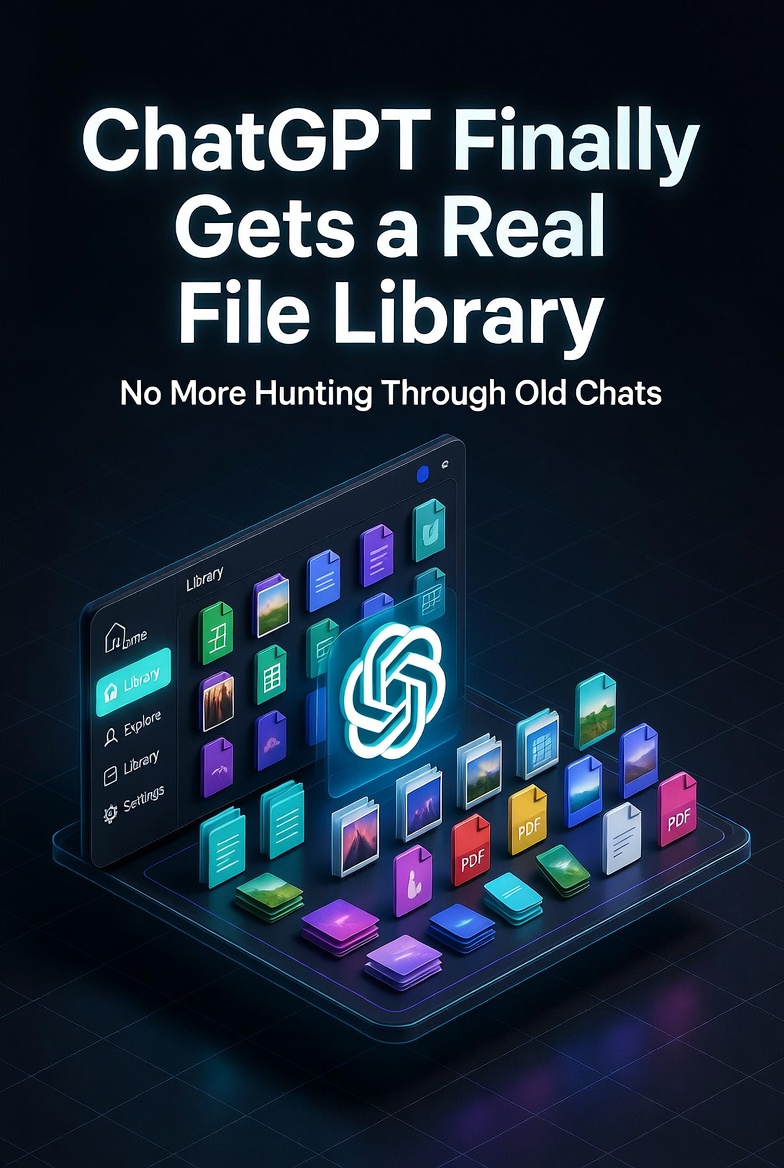 Every file you upload in a chat or create with ChatGPT is now automatically stored in your personal Library. Deleting the original chat no longer deletes the file — it remains safely in your Library until you manually remove it.
Key ways to use the Library:
This is a massive quality-of-life upgrade. Previously, files were tied to specific conversations — lose or delete the chat, and the file was gone forever (except for temporary chats, which still don’t save to the Library).
Per-file limits: Total storage quotas (based on OpenAI’s broader file storage policies):
You can also download files or multiple files at once directly from the Library.
ChatGPT is no longer “just a chat”. With the File Library, it’s evolving into a full productivity workspace where your knowledge and assets persist across conversations.
This brings ChatGPT much closer to tools like Claude Projects or Notion AI, but with OpenAI’s superior reasoning models and multimodal capabilities. You can now build long-term workflows: upload your company docs once, then reference them in any future chat without re-uploading.
Generated images still live in their own dedicated Images tab, keeping things organized.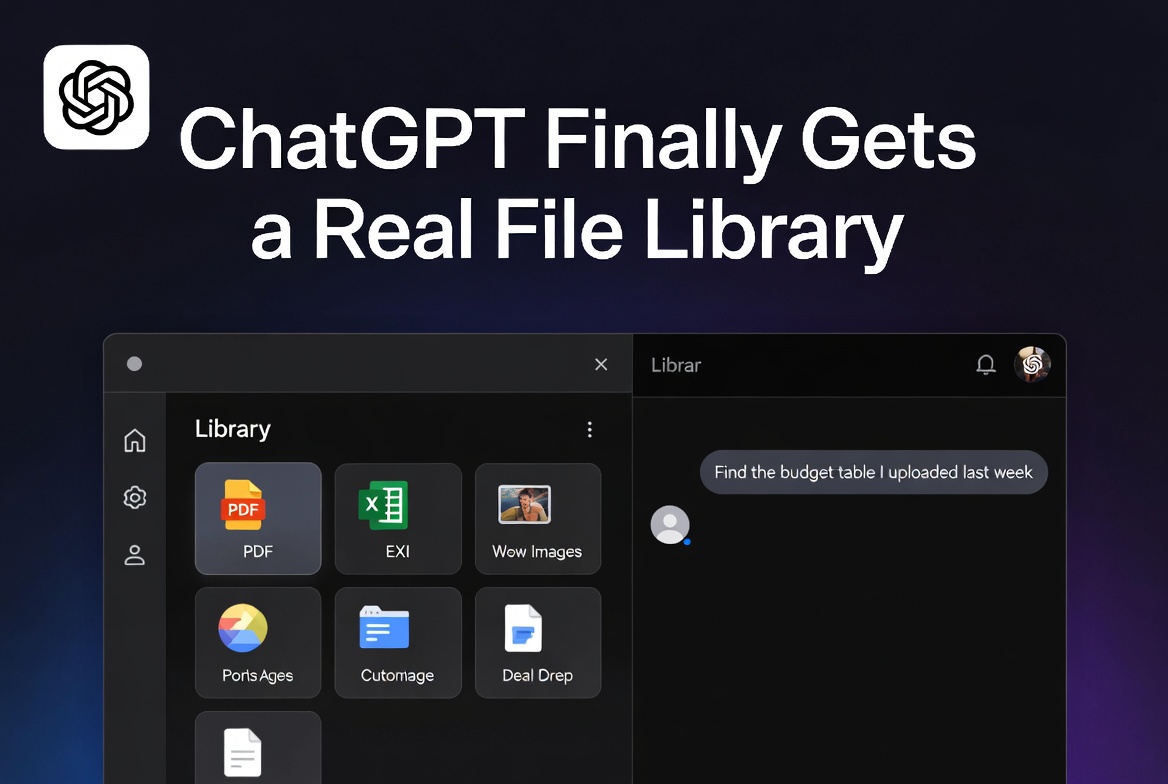 Also read:
The File Library is another step in OpenAI’s push to make ChatGPT your default daily workspace rather than a one-off Q&A tool. Combined with Projects, Canvas, and improved memory features, ChatGPT is becoming a persistent, intelligent second brain. Try it now (if you have access):
For the official details, see OpenAI’s help article:
https://help.openai.com/en/articles/20001052-file-storage-and-library-in-chatgpt
EU/UK/Switzerland users: the feature is temporarily unavailable due to regional rollout restrictions, but OpenAI has indicated it’s working on bringing it to more geographies soon.
The era of “where did I upload that file?” is officially over. Welcome to the Library.
